
Time & Attendance Systems With Integrated Access Control
Here is a buyer’s guide to help you choose a time and attendance system that integrates with an access control system. I cover what to think about, best practices, legal/UK compliance, a top-5 comparison, and key questions to ask before purchase.
What to consider: why integrate time & attendance with access control
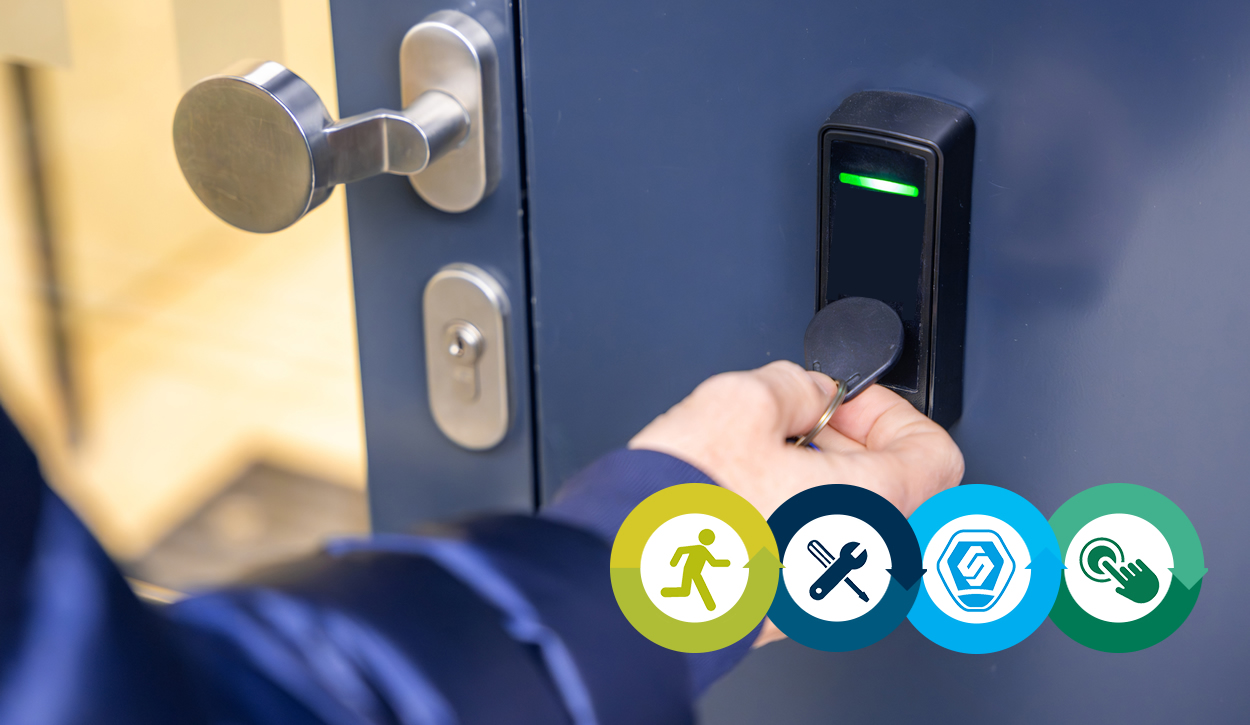
- Unified credential / single token for staff — With an integrated system, employees use the same card, fob or biometric credential to both clock in/out and access doors. This avoids needing separate cards or systems.
- Accurate, tamper resistant tracking — Especially with biometric or secure card/fob readers, integration helps prevent “buddy punching” (one person clocking for another) and ensures entry/exit are correctly logged.
- Real time location & security — Because access events are logged, you get up to date info on who is on site. This can improve safety (e.g. during emergencies, fire roll call, evacuations) and security (tracking access to restricted areas).
- Simplified HR, payroll and absence/shift management — Attendance data can feed directly into payroll or HR systems; shift patterns, holidays, flexitime, absence and overtime can be managed more robustly.
- Better compliance and audit trail — A combined system provides a centralised, auditable log of attendance and access, useful for regulatory compliance, health & safety audits, or internal reviews.
UK Compliance & Data Protection (Legal / Privacy Considerations)
Because many integrated systems use biometrics or personal data, you must pay attention to data protection laws such as Information Commissioner’s Office (ICO) guidance and UK General Data Protection Regulation (UK GDPR). Key points:
- High risk processing → Data Protection Impact Assessment (DPIA): Biometric data (face, fingerprint) is considered “special category data,” so you need a DPIA, map data flows, and document why biometric processing is strictly necessary.
- Retention & deletion policies: Only keep data as long as needed. When an employee leaves (or switches to a non biometric method), remove or anonymise their biometric templates. Keep clear logs of deletion.
- Security measures: Encrypt biometric templates at rest and in transit; restrict access (e.g. multi factor admin login, role based access), and segregate biometric data from other personal data when possible.
- Clear consent, transparency and “least intrusive” principle: Use biometrics only if necessary; if other less intrusive options (e.g. secure cards/fobs) suffice, those may be preferable.
- Vendor contracts & accountability: If using a third party supplier/processor, sign a strong Data Processing Agreement (DPA) covering retention, deletion, breach response, audit rights, etc.
As a note there have been recent enforcement actions against employers using biometric attendance without proper justification or employee opt out, so compliance isn’t optional.
Best Practices When Deploying an Integrated System
- Use one credential per user — avoid separate badge/ID for attendance and another for door access. Simplifies management, reduces lost card risk.
- Define clear access rights and shift/door time logic — e.g. configure who can enter which doors, at what times, and link access to shift patterns or absence status, if required.
- Ensure emergency/compliance features for safety — e.g. fire door “break glass” releases, emergency exit readers, fire roll call integration, must unlock on alarm behaviour.
- Secure biometric and personal data properly — encryption, deletion, minimal access as per GDPR, plus documentation (ROPAs), training, and incident response plan.
- Test integration with payroll/HR from the start — ensure your attendance data flows cleanly into your payroll/HR systems so you get full benefit of automation (shift pay, overtime, absence, holiday accrual).
- Plan for lifecycle events — e.g. onboarding, leavers, role changes, exit swipe, data removal, credential revocation to avoid dormant credentials or data hanging around.
Top 5 Time & Attendance + Access Control Systems (UK) — comparison
Here’s a comparison of five systems/providers that offer integrated time + attendance + access control (or strong potential to integrate). This is illustrative — you should contact providers for specifics to your business size and requirements.
| System / Provider | Key Strengths / Features |
|---|---|
| Capture it | Offers a single system for time & attendance, access control and absence management — same card/fob for all functions. Once staff set up, access rights and attendance are managed centrally and pushed to doors. |
| Ceequel Access Control (with Time & Attendance integration) | Fully integrated: same ID cards/hardware for door access, attendance, HR database. Supports shift‑based access, fire‑roll‑call, turnstiles, barriers, etc. |
| Horizon for Access Control (via EA Group / Paxton ecosystem) | Time & attendance module fed directly from access control; handles shift patterns, flexi‑time, absence, payroll exports; no extra hardware required if already using Paxton. |
| Time and Attendance UK Software Suite | Scales from SMBs (20 staff) up to large organisations (10,000+); supports smart cards, biometrics (fingerprint), web/mobile clock‑in/out, shift/roster management, absence, export to major payroll tools. |
| Kelio (with biometric clocking hardware) | Strong biometric support (fingerprint, RFID, facial), cloud‑enabled, centralised workforce tracking, shift planning, absence management — well suited for compliance‑heavy industries (manufacturing, healthcare, logistics). |
Notes on choosing:
- If you already have access control infrastructure (doors, readers), go for a solution like Horizon/Paxton or Ceequel to avoid duplicate hardware.
- If you are building from scratch and want flexibility (cards, biometrics, web/mobile clock-in, shift/roster management), Time and Attendance UK or Kelio may be good.
- For a fully unified package (attendance, access control, absence, HR), Capture it and Ceequel stand out.
Key Questions to Ask (Before Purchase / Deployment)
When evaluating a vendor/system, be sure to ask:
- How is data stored and secured? — Are biometric templates encrypted? Who has admin access? How is data retention and deletion managed when staff leave?
- Does the system support revocation and exit workflows? When an employee leaves, can you automatically revoke both access and attendance rights, and remove or anonymise their data?
- What happens in emergencies (fire, alarm, power loss)? Does the system integrate with fire roll call, unlock doors on alarm, and comply with building safety codes (e.g. emergency break glass, exit readers)?
- Can the system handle shift patterns, flexitime, absence, holidays and overtime? Especially if you have non standard hours, part time, flexitime or multiple shifts.
- How does it integrate with payroll / HR software? Will attendance data flow automatically into payroll? Are there export/import facilities, or direct interfaces with major payroll systems used in UK?
- What credentials does it use cards, fobs, biometrics? What are the pros/cons and compliance implications? Is biometric mandatory or optional?
- What audit and reporting capabilities exist? — Can you generate attendance reports, access logs, denied access reports, site presence lists, fire roll call, etc.?
- What vendor support, maintenance, scalability and upgrades are included? For example, if you expand the business or add more doors, or remote sites how well will the system scale?
- Does the vendor provide a Data Processing Agreement (DPA) and compliance with UK GDPR / ICO requirements? — Especially critical for biometric-based systems.
- What is the total cost of ownership? Not just initial hardware cost, but ongoing maintenance, licensing, admin time savings, payroll/HR efficiency, data management overhead.
Summary & Recommendations
- An integrated time and attendance + access control system can significantly reduce admin overhead, improve security, and give you a robust audit trail — especially useful for multi door buildings, shift staff, and compliance heavy industries.
- However, data protection and compliance (especially when using biometrics) must be treated seriously: do a DPIA, manage retention & deletion, ensure encryption and limited access, and have clear policies.
- When evaluating systems, focus on scalability, integration (with doors, payroll, HR), safety/emergency features, and vendor compliance support.
- Among vendors/systems, choices like Capture it, Ceequel, Horizon (Paxton), Time and Attendance UK, and Kelio stand out, but which is “best” depends on your organisation’s size, existing infrastructure, and business needs.
Our team aims to deliver expert customer care, from site survey to completion through to ongoing maintenance. Developing a lasting relationship with a partner you can trust to protect you and your premises whilst ensuring your businesses and organisations are fully compliant to the latest legal requirements. We are CHAS accredited, BAFE registered and, SSAIB certificated with BS EN ISO 9001:2015 & Construction Line approved, so your organisation can be assured that all our fire, security and safety equipment is designed, supplied, installed and maintained in accordance with the latest British Standards.
